
The Devil Cursor
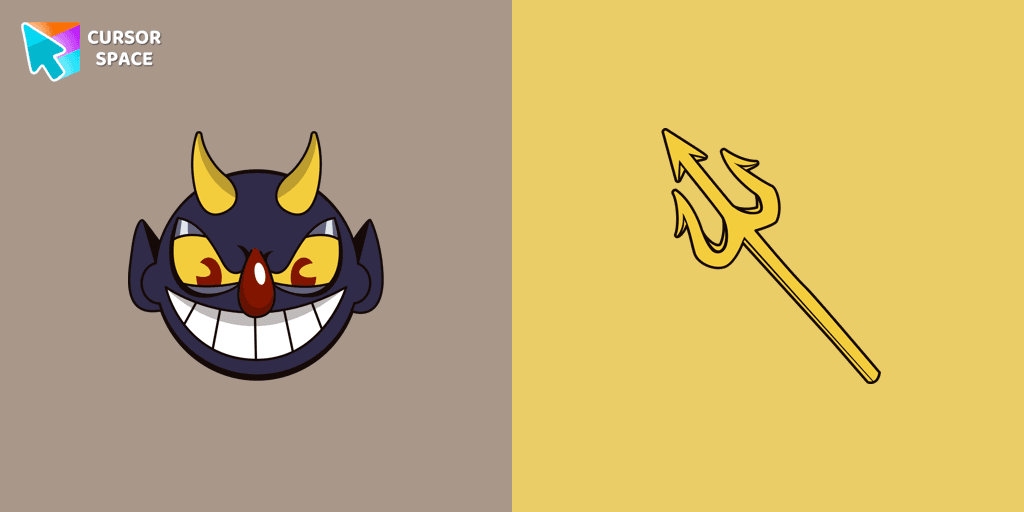
Cursors in the pack
Description
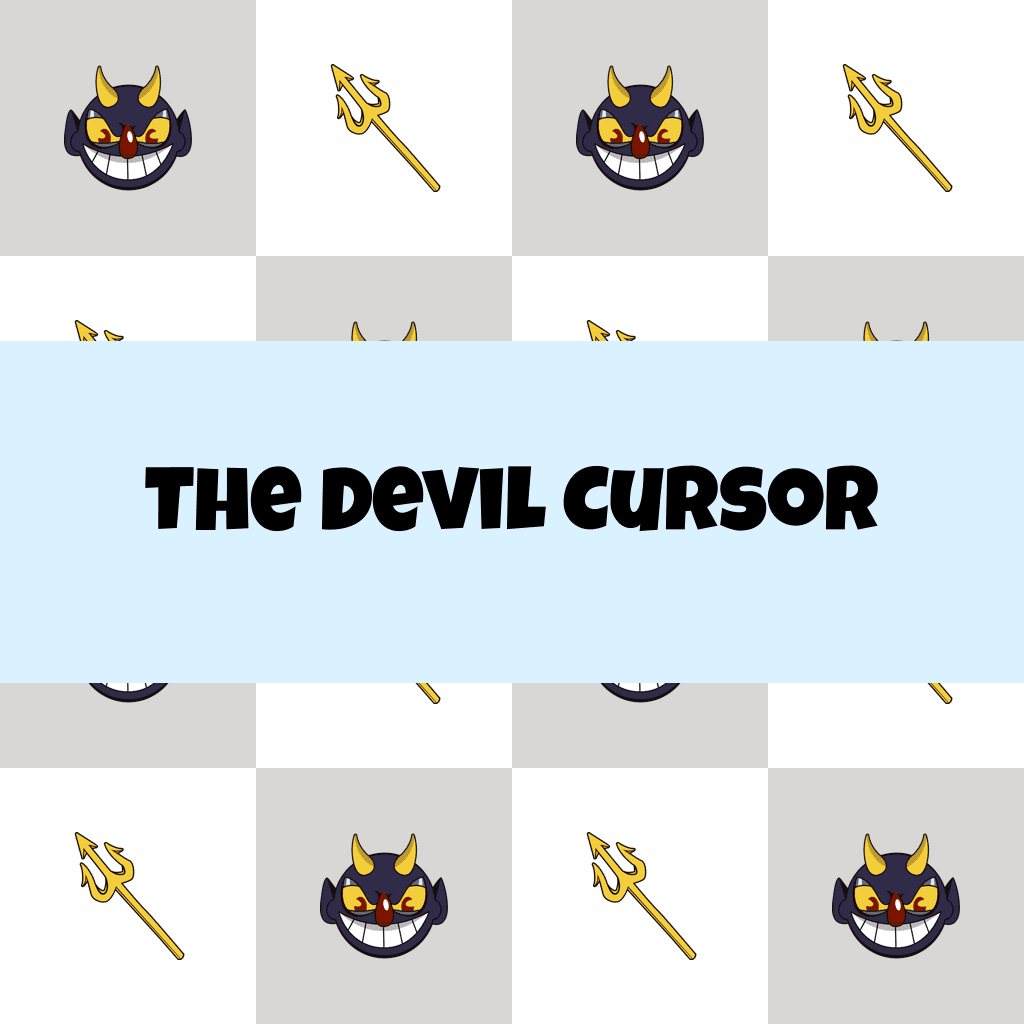
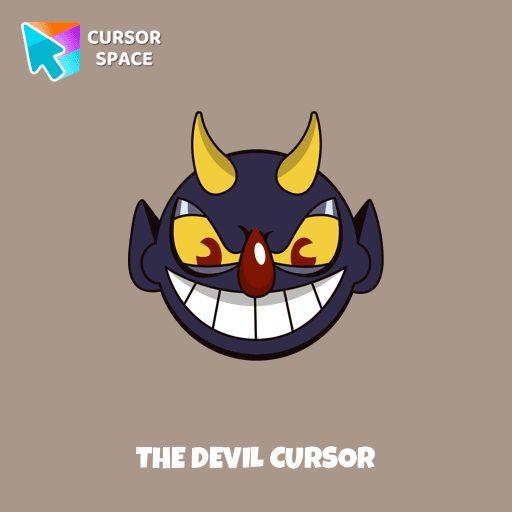
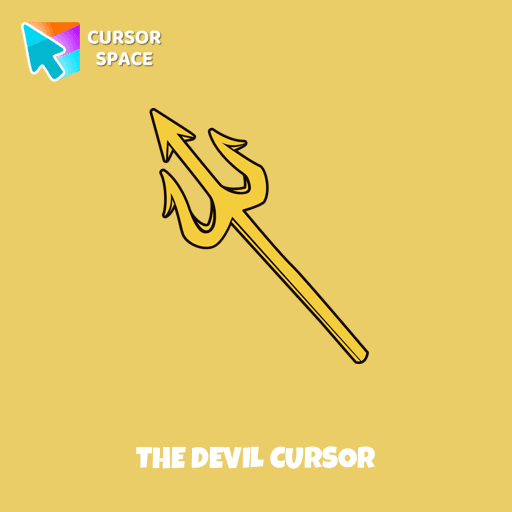
Experience the thrilling Devil custom cursor from the Cuphead cursors collection. As the main antagonist and final boss of Cuphead, the Devil rules over Ink Hell and makes deals with the inhabitants of the Ink Isles. This unique custom cursor brings a sinister touch to your browsing experience. Perfect for those who want a more captivating and edgy look for their mouse and pointer, this custom cursor for Google Chrome will transform your screen and make your browsing experience unforgettable.
Embrace the dark side and upgrade your cursor today!
What's included in the package
- Default Cursor
- Pointer (Hand)
How to install a custom cursor pack The Devil Cursor
Install the Cursor Space extension for Chrome or Cursor Space for Edge in your browser.
On this page, click "Add this cursor pack to the extension".
Open the extension and go to the Packs tab.
Find the custom cursor pack "The Devil cursor" and click it.
Enjoy!
Ready to install?
Get this cursor pack and thousands of others by installing our extension. It's fast and free!
About this cursor pack
The Devil Cursor is a themed cursor pack you can add to your browser to personalize your pointer across common cursor states (default and pointer). Use it for everyday browsing, streaming, studying, or gaming-anywhere you want your cursor to match your vibe.
Instant preview
See how the cursors look before installing.
Easy install
Add the pack to the extension in a few clicks.
Works in your browser
Designed for Chrome and Edge via the extension.
FAQ
Quick answers to common questions about cursor packs, collections, and installation.
Do I need an extension?
Which browsers are supported?
How do I switch back to the default cursor?
Popular cursors today
Custom cursor and packs - neon, anime, pixel art. Quickly add to Chrome and Microsoft Edge for free
- TOP 1

Little Pointer cursor prank
(1.4k)FreeEnjoy a fun twist on browsing with the Little Pointer custom cursor for Google Chrome. This playful custom cursor shrinks your pointer, adding a touch of surprise and humor.
- TOP 2
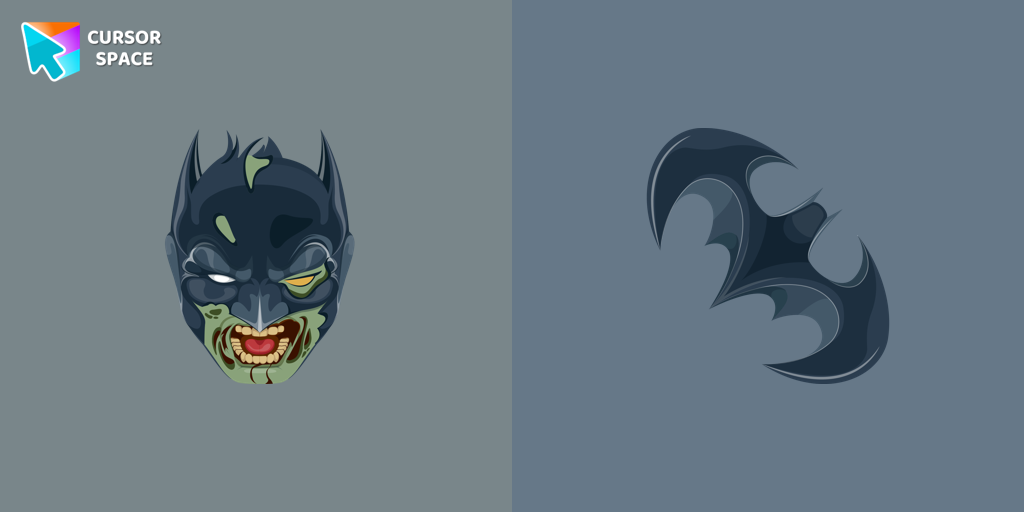
Zombie Batman cursor
(17)FreeZombie Batman custom cursor for the mouse with the monstrous Batman hovers in our incredible DC cursors collection for Chrome.
- TOP 3
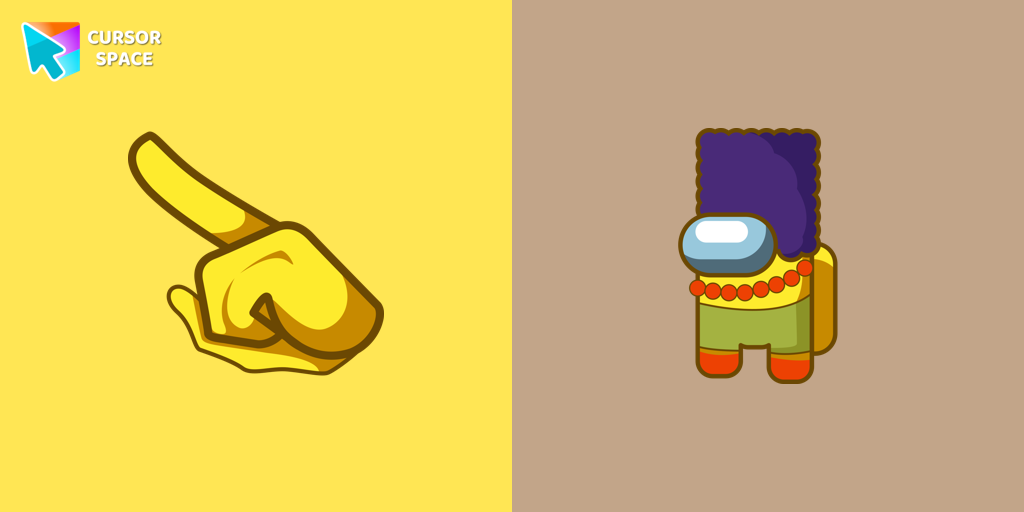
Among Us Marge Simpson Character cursor
(109)FreeAdd a touch of nostalgia with the Marge Simpson custom cursor for Google Chrome. Navigate Among Us with her quirky charm and signature blue hair.
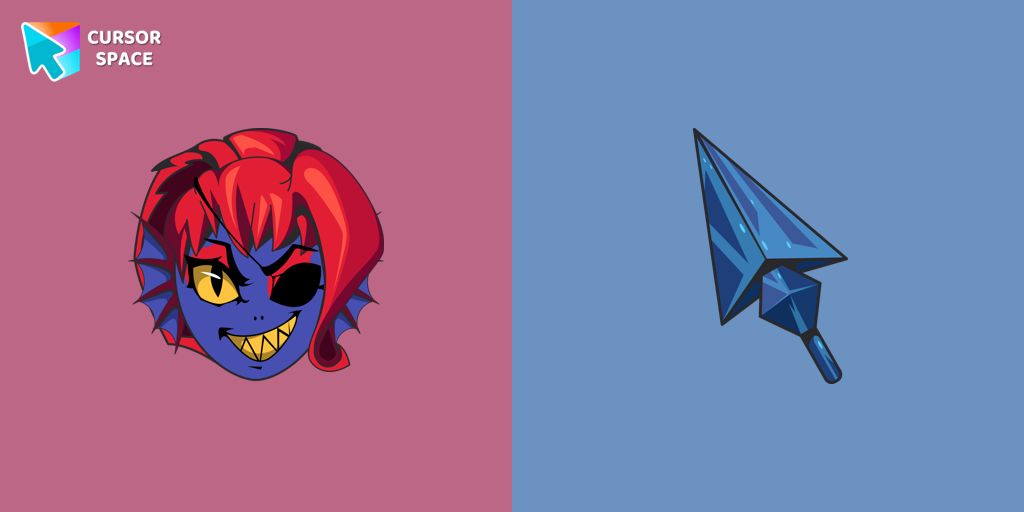
Undertale Undyne cursor
(14)FreeUndyne, a returning character from Undertale, is a secondary character in Deltarune. Undyne character as a custom cursor for mouse and pointer.
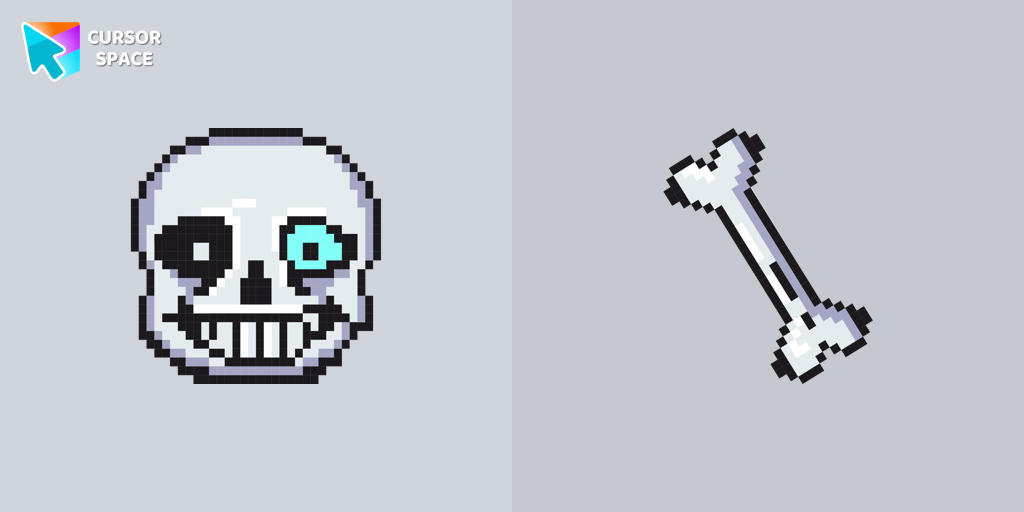
Undertale Sans Pixel cursor
(130)FreeUndertale Sans Pixel Cursor from our Cute Pixel custom cursors collection for Chrome was created especially for Halloween.
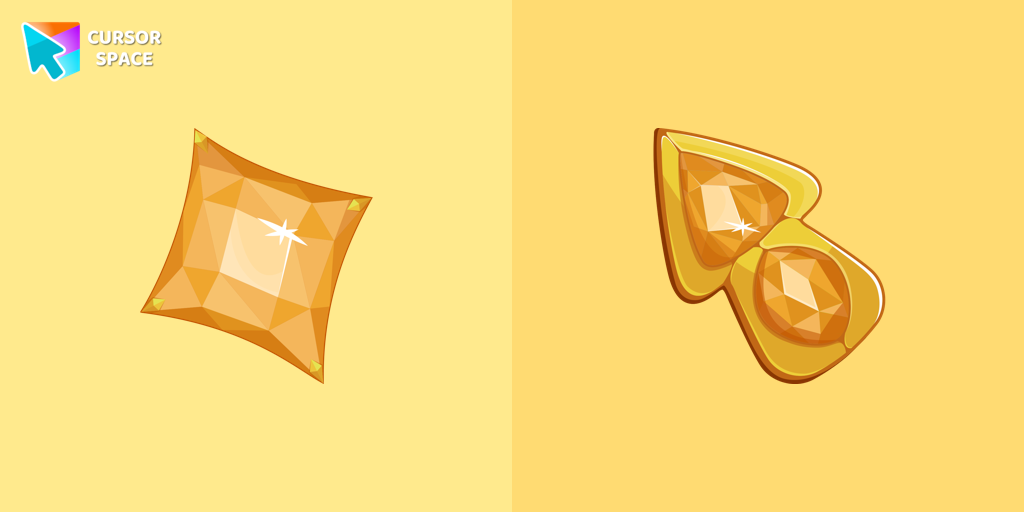
Yellow Diamond cursor
(129)FreeUpgrade your browsing with The Yellow Diamond custom cursor—stylish and perfect for Chrome!

Sea cursor
(719)FreeIntroducing our unique nautical cursor for web navigation! The charming Sea cursor is a great addition to your screen as a mouse pointer.

Ring cursor
(107)FreeEnhance your desktop with The Ring custom cursor. Its sleek, animated ring design adds elegance and focus to your workflow.

The Purple Cursor
(112)FreeEnhance your Chrome browsing with Custom Cursor Space, a sleek purple cursor crafted to complement your style and elevate your online experience.
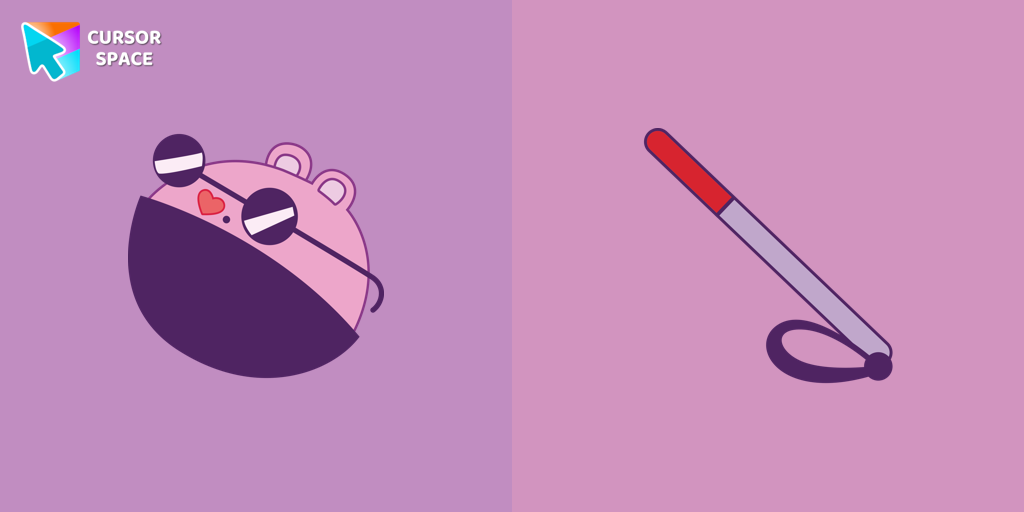
The Mole cursor
(71)FreeThe Mole custom cursor for Google Chrome adds a fun and quirky touch to your browsing. Inspired by a small mole, it brings a playful alternative to the default cursor.
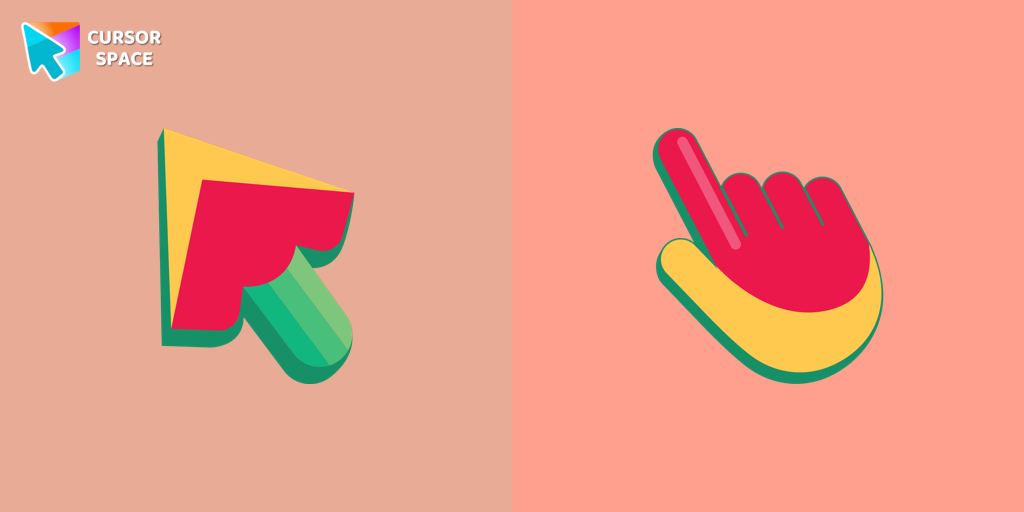
Mix cursor
(24)FreeEnhance your interface with the Mix custom cursor set- a charming and stylish choice that adds uniqueness and enjoyment to your browsing experience.
Collection hits
Installation leaders from "Cuphead Custom Cursors": free packs, neon/anime/pixel art, quick add to Chrome and Edge.
- TOP 1
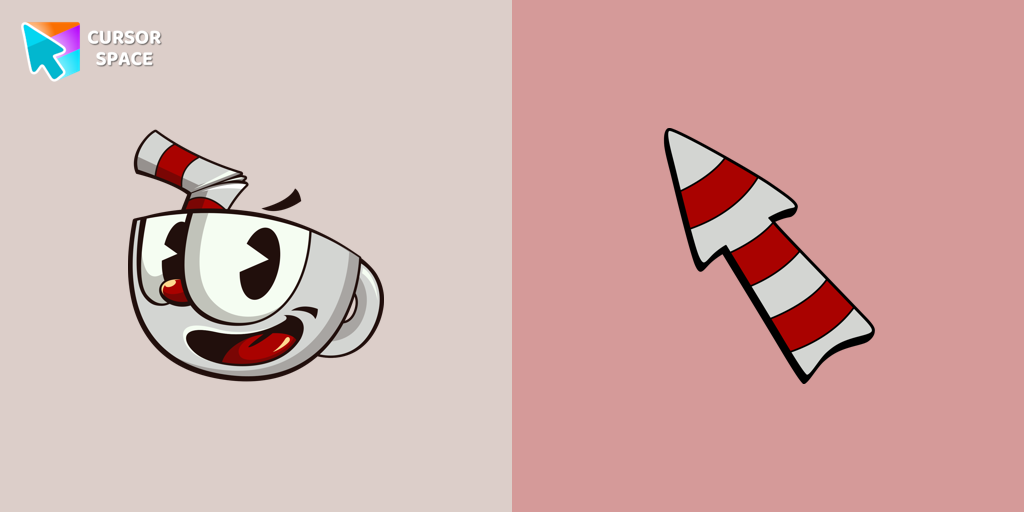
Cuphead cursor
(145)FreeThe Cuphead cursor is a Chrome extension that brings characters from the popular video game to life on your mouse cursor.
- TOP 2
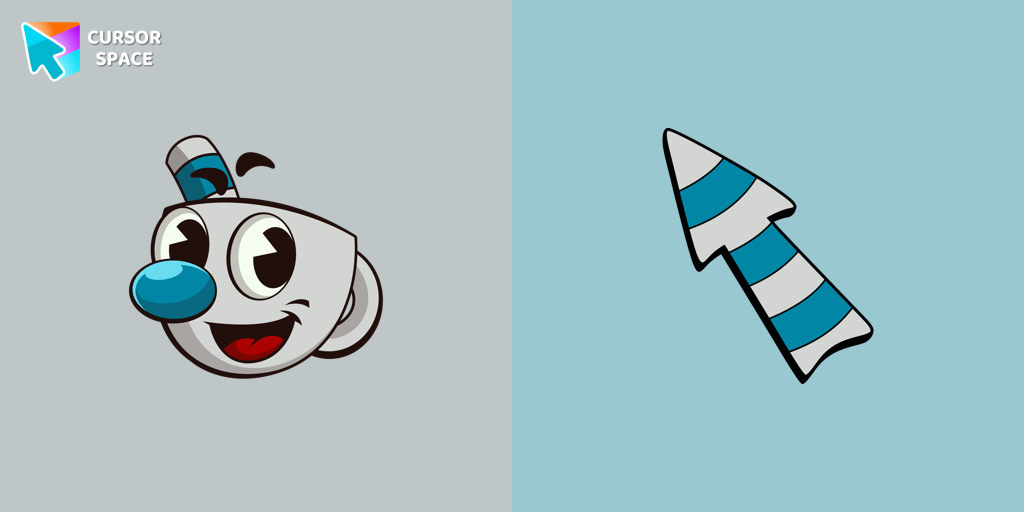
Mugman cursor
(110)FreeThe Mugman custom cursor is a charming and unique addition to your browsing experience. Add personality with this adorable custom cursor for Google Chrome.
- TOP 3

Chauncey Chantenay cursor
(86)FreeOur Cuphead custom cursors collection features a charming custom cursor called "Chauncey Chantenay" designed with beautiful artwork for your browser.

Ms. Chalice cursor
(86)FreeExperience the captivating Ms. Chalice custom cursor for Google Chrome. Inspired by the Cuphead game, this unique custom cursor brings Ms. Chalice to life in stunning detail
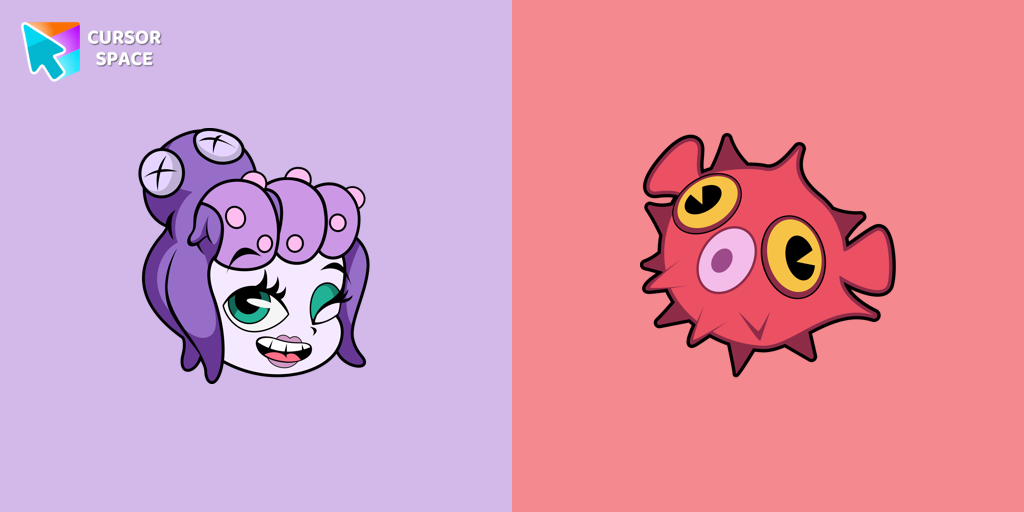
Cala Maria cursor
(85)FreeEnhance your browsing experience with the Cala Maria custom cursor for Google Chrome. This animated cursor brings the iconic Cuphead character to life on your screen.
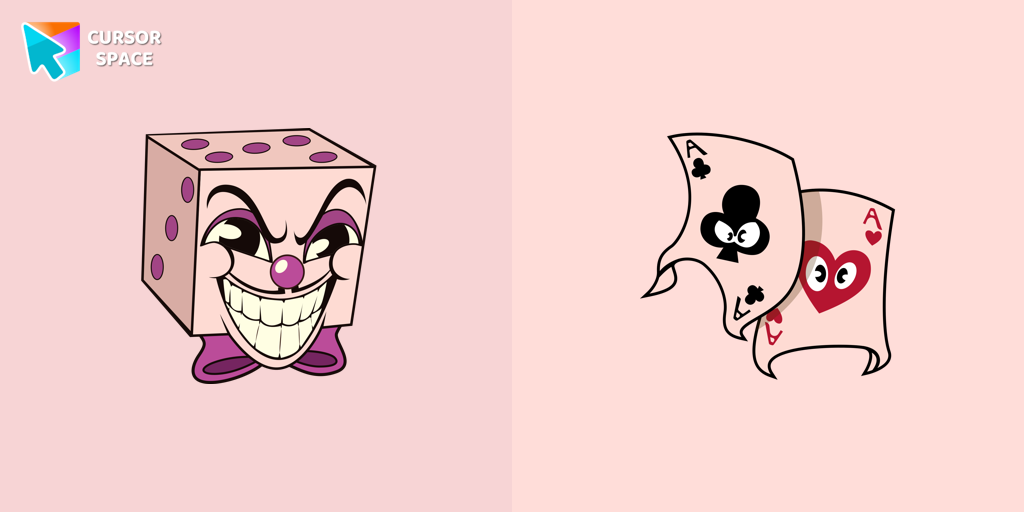
King Dice cursor
(84)FreeAdd a regal touch to your browsing with the King Dice custom cursor. A unique and stylish custom cursor for Google Chrome, perfect for a refined experience.
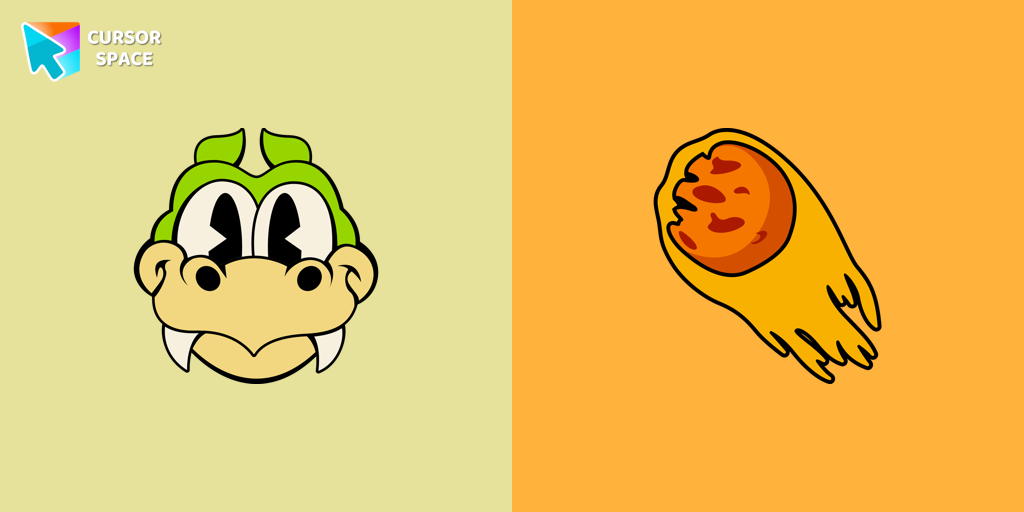
Grim Matchstick cursor
(81)FreeEnhance your browsing with the Grim Matchstick custom cursor for Google Chrome. This animated cursor brings the fiery charm of the Cuphead boss to your screen.
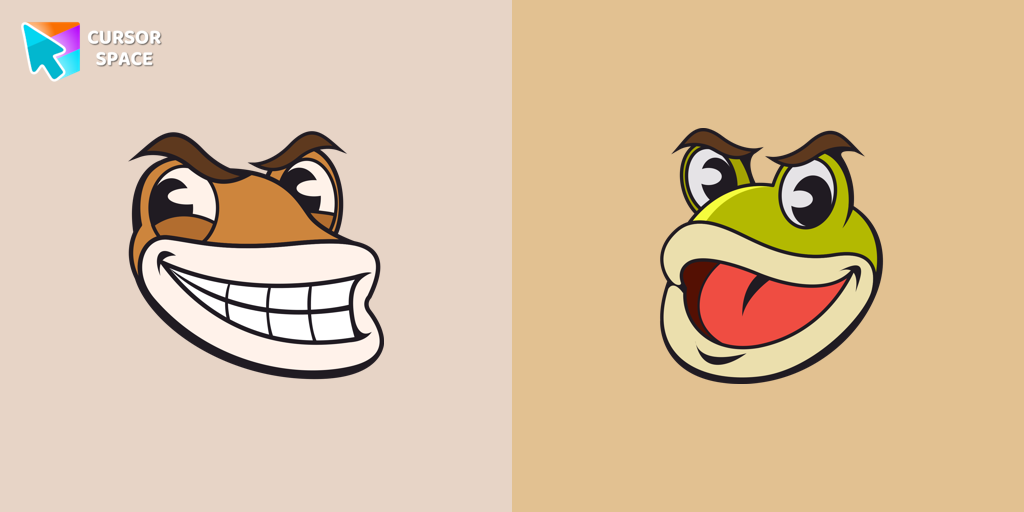
Ribby and Croaks cursor
(81)FreeRibby and Croaks custom cursor for Google Chrome brings the iconic Cuphead bosses to life. Enjoy an animated, dynamic cursor that enhances your browsing experience

Goopy Le Grande cursor
(80)FreeExperience the Goopy Le Grande custom cursor for Google Chrome, bringing the playful Cuphead boss to life. Add fun and animation to your browsing experience.
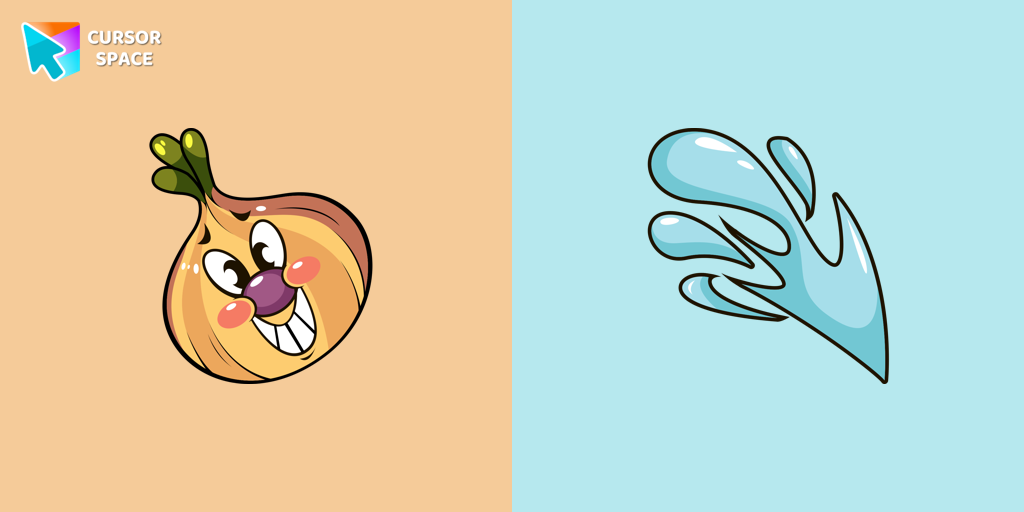
Ollie Bulb cursor
(79)FreeIntroducing the adorable Ollie Bulb cursor from our Cuphead custom cursors collection. Spice up your mouse and pointer with this charming addition!
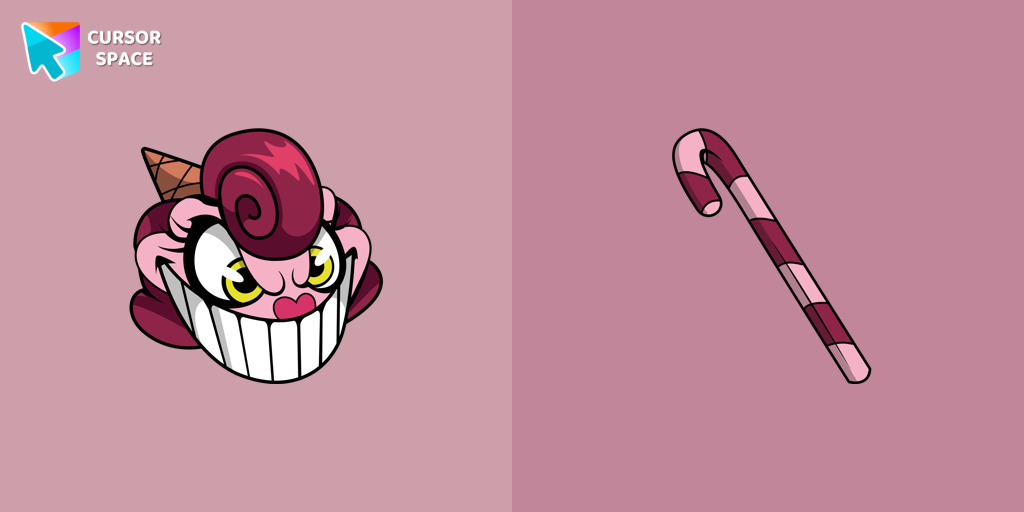
Baroness Von Bon Bon cursor
(77)FreeBaroness Von Bon Bon custom cursor for Google Chrome brings the Cuphead boss to life on your screen. Enjoy its animated and sweet design while browsing.
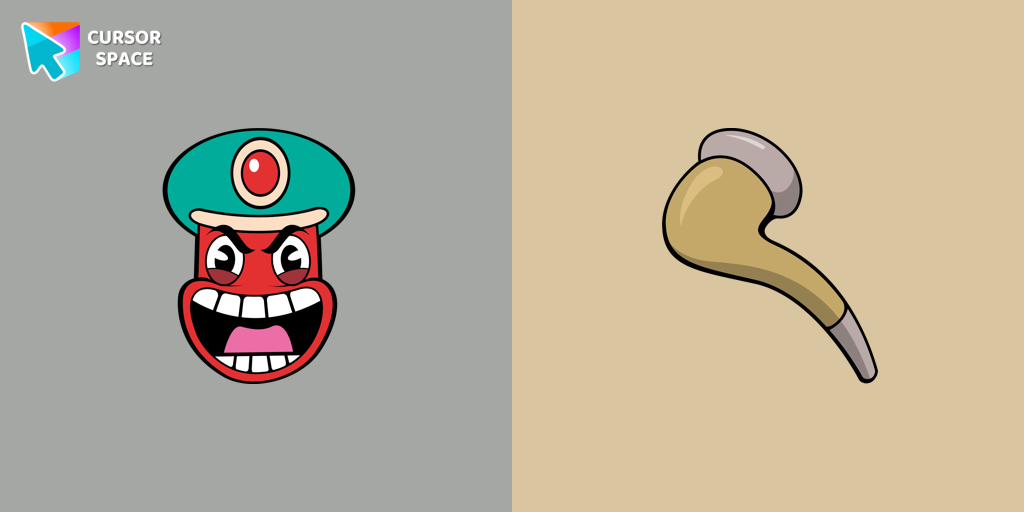
Djimmi the Great cursor
(76)FreeTransform your browsing with the Djimmi the Great custom cursor. This custom cursor for Google Chrome brings the magic of Cuphead to your screen.
Install Cursor Space - A Collection of Custom Cursors for Chrome & Edge
Add packs instantly and unlock access to thousands of cursors: neon, anime, pixel-art, and more. Fast, safe, and free.
- Free cursor packs
- HD/HiDPI & animated icons
- Quick browser installation
Cursor Space is an extension for changing your mouse cursor in Chrome and Edge browsers: themed collections, HiDPI icons, neon, animated, and pixel cursors, with quick installation.